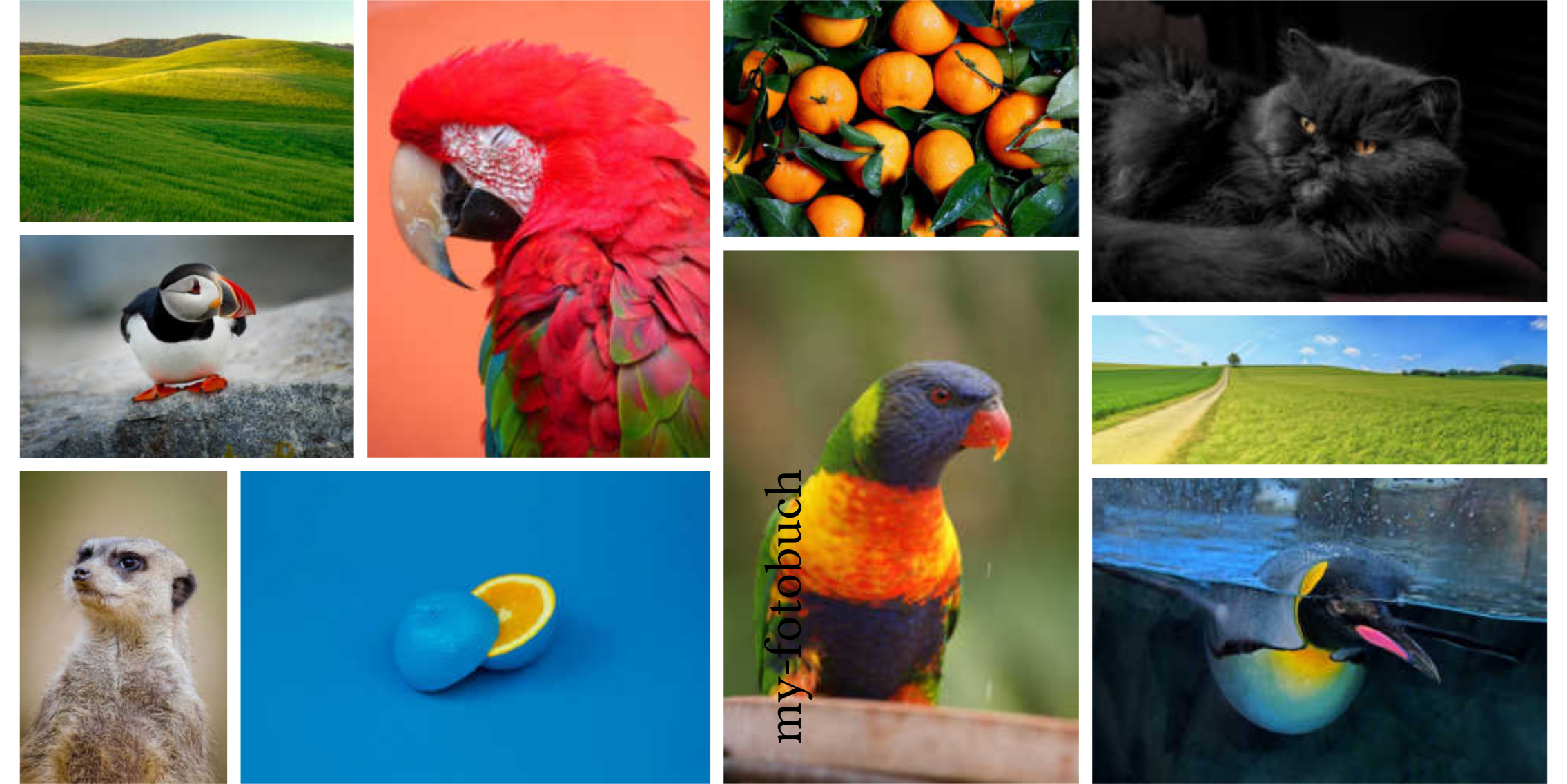
Cover Modes
Each cover mode determines how photos are positioned and sized on the cover. The examples below show the result of each mode with a sample photo.
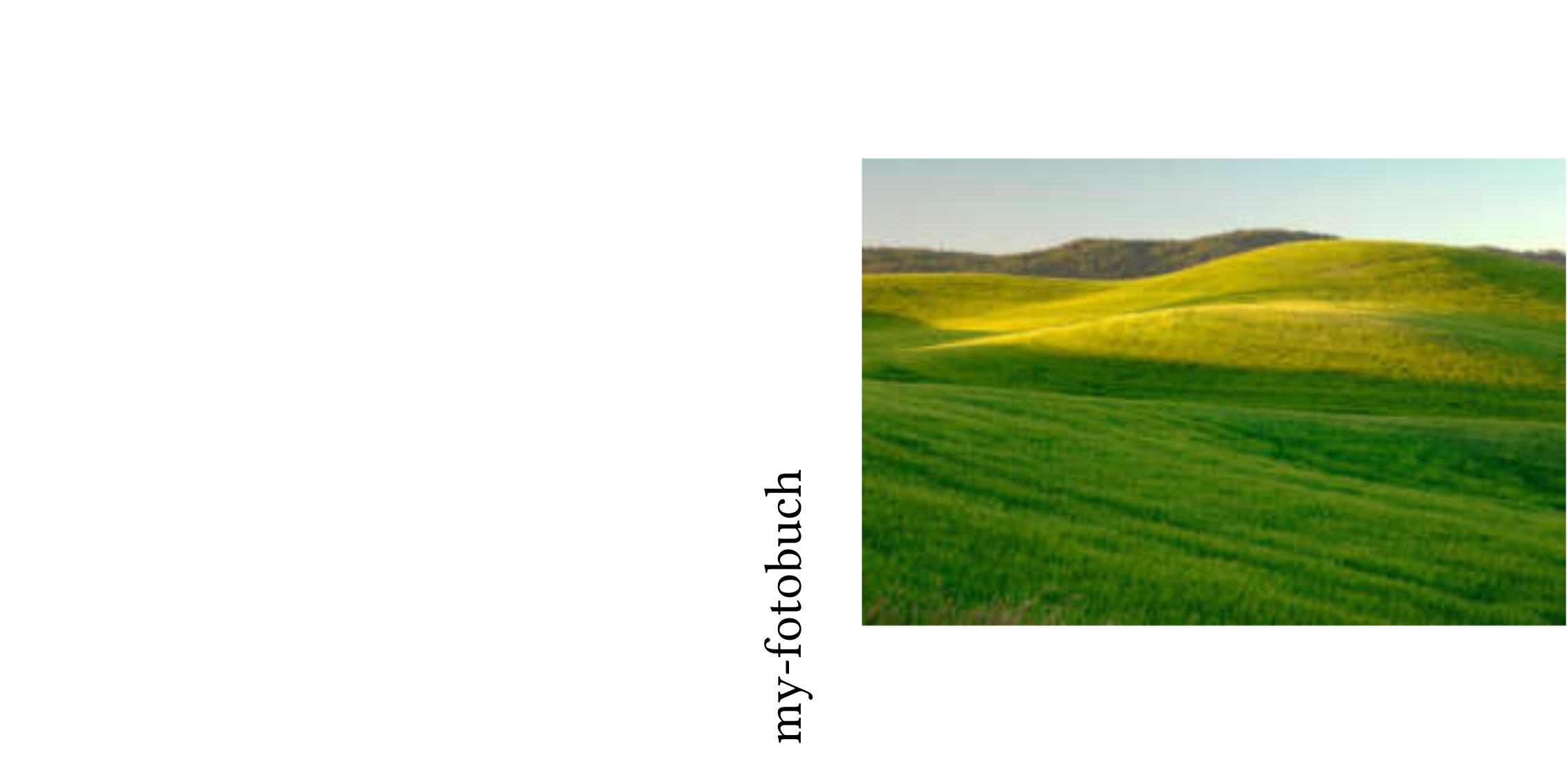
Mode: front
A single photo on the front panel, with its aspect ratio preserved and centred.
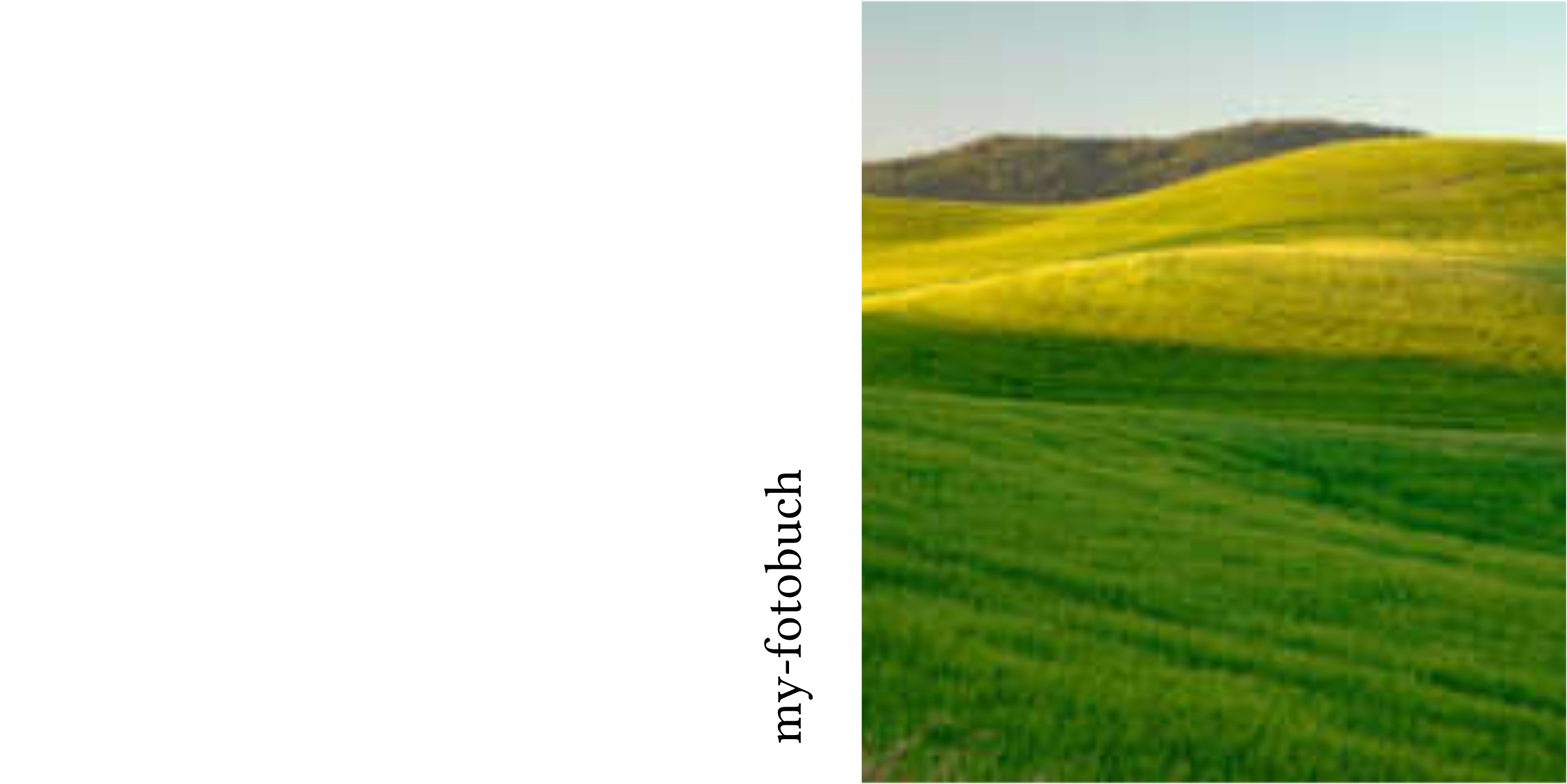
Mode: front-full
A single photo fills the entire front panel (may crop to fit).
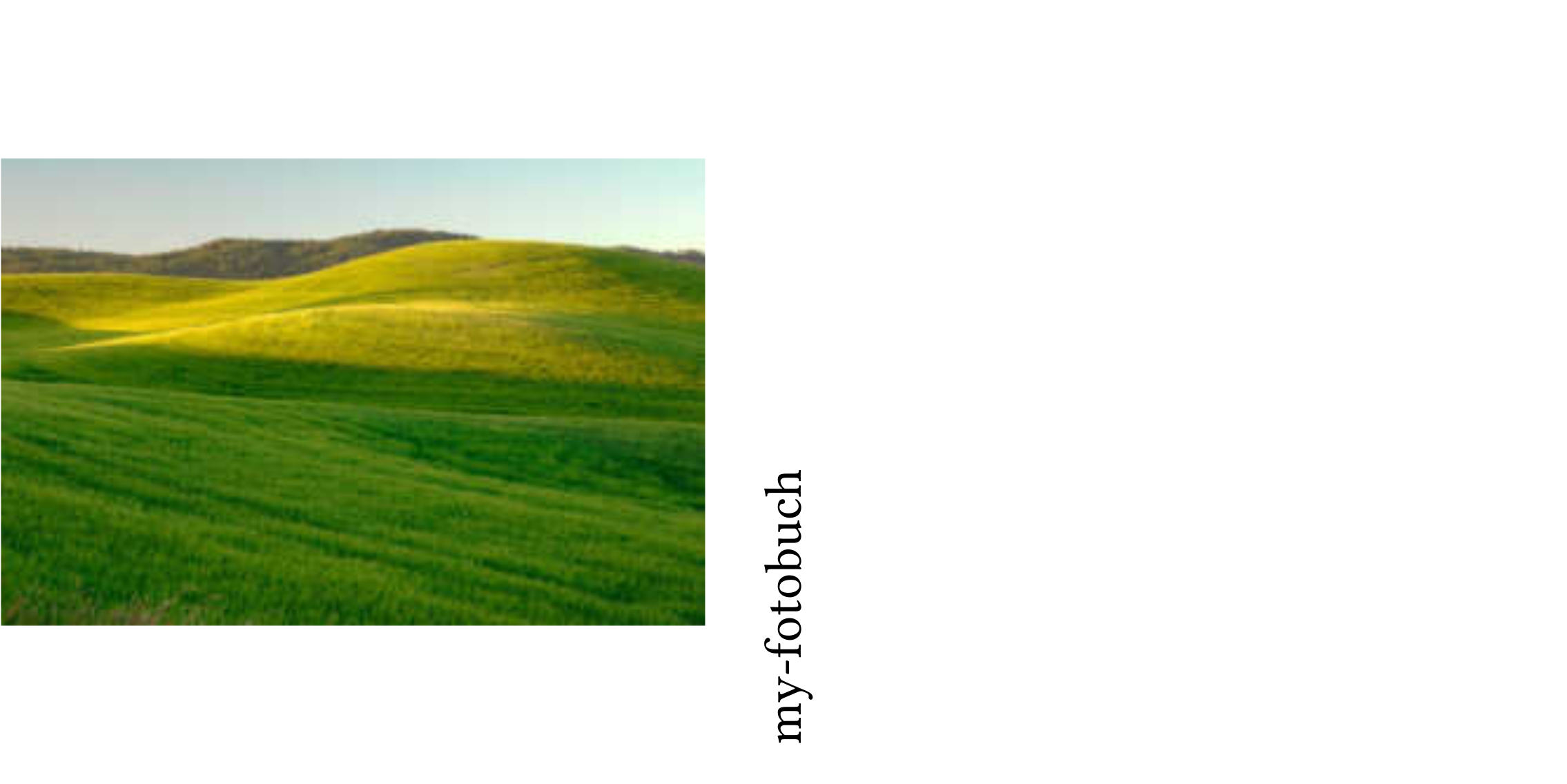
Mode: back
A single photo on the back panel, with its aspect ratio preserved and centred.
Mode: back-full
A single photo fills the entire back panel (may crop to fit).
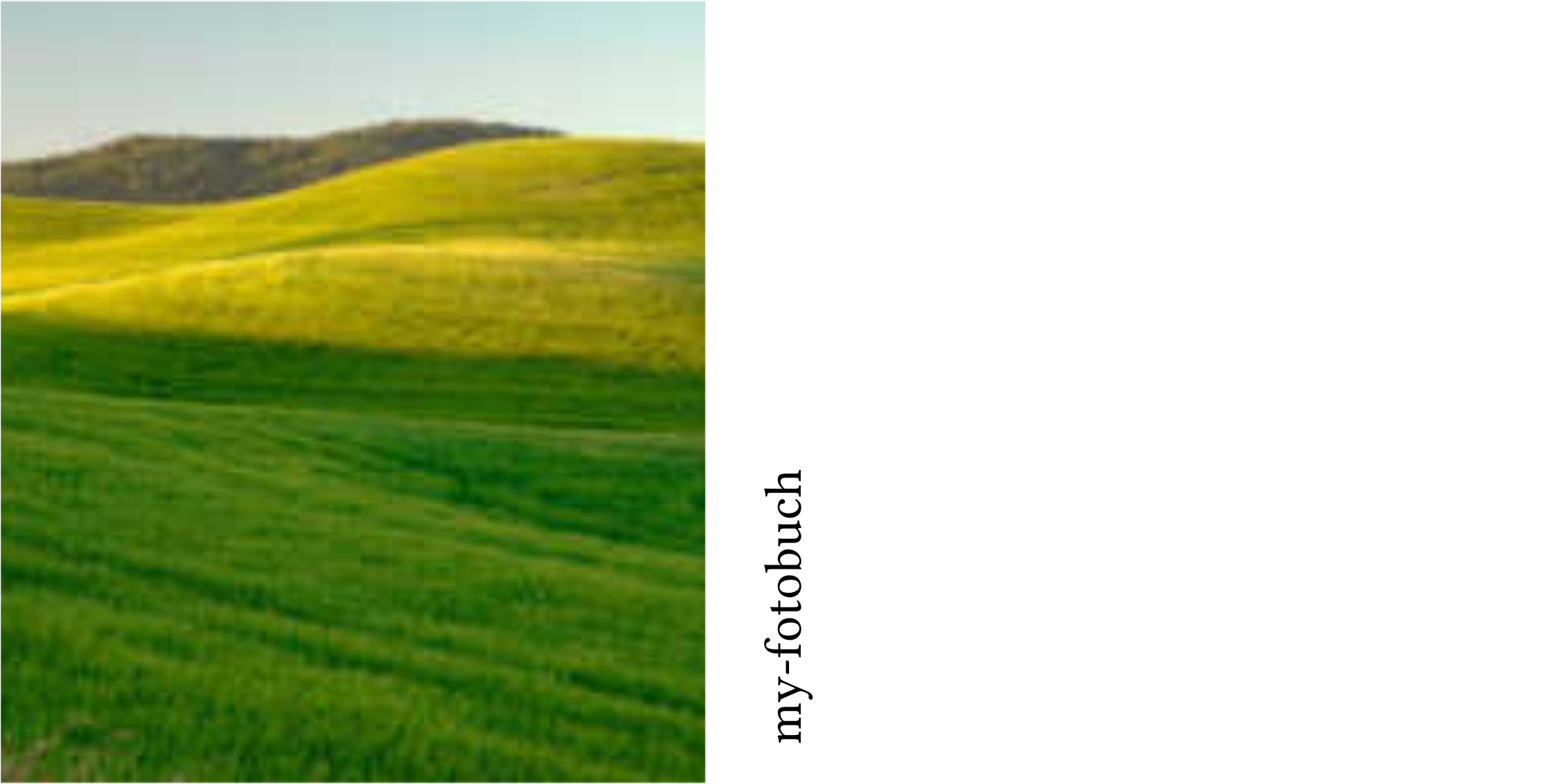
Mode: spread
A single photo spans the full spread (front, spine, and back), with its aspect ratio preserved and centred.
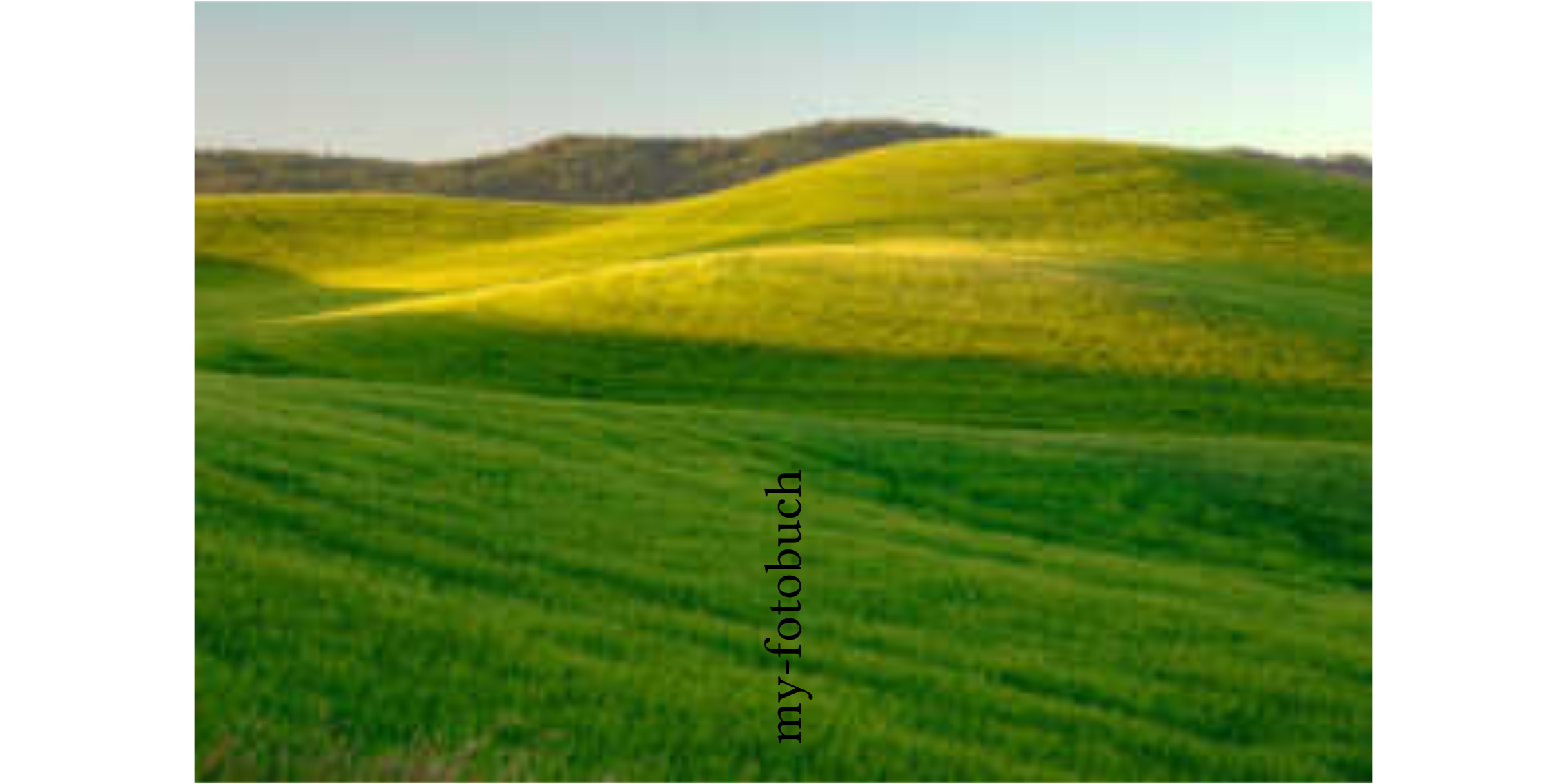
Mode: spread-full
A single photo fills the full spread without cropping space for the spine (may crop the photo).
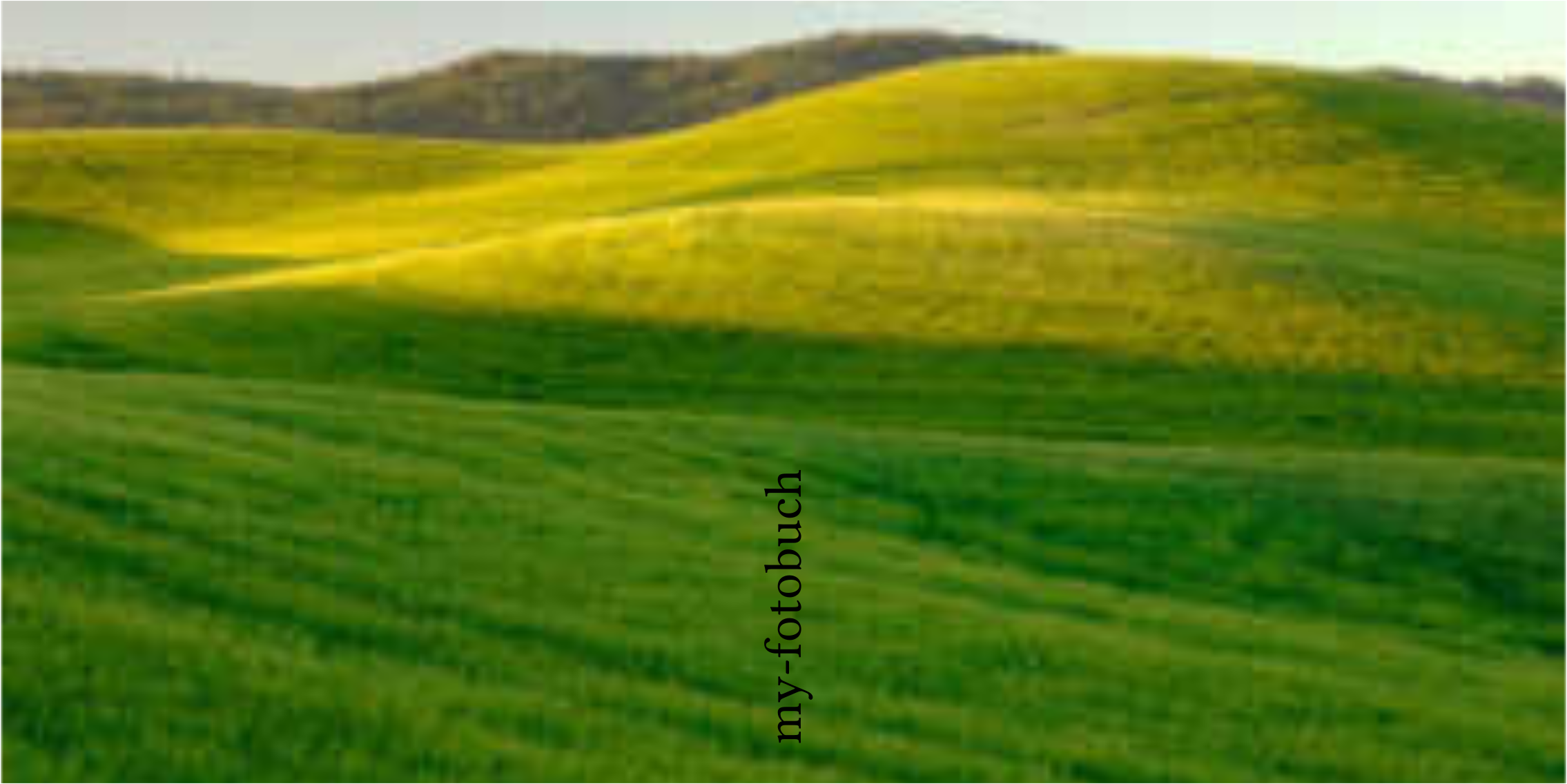
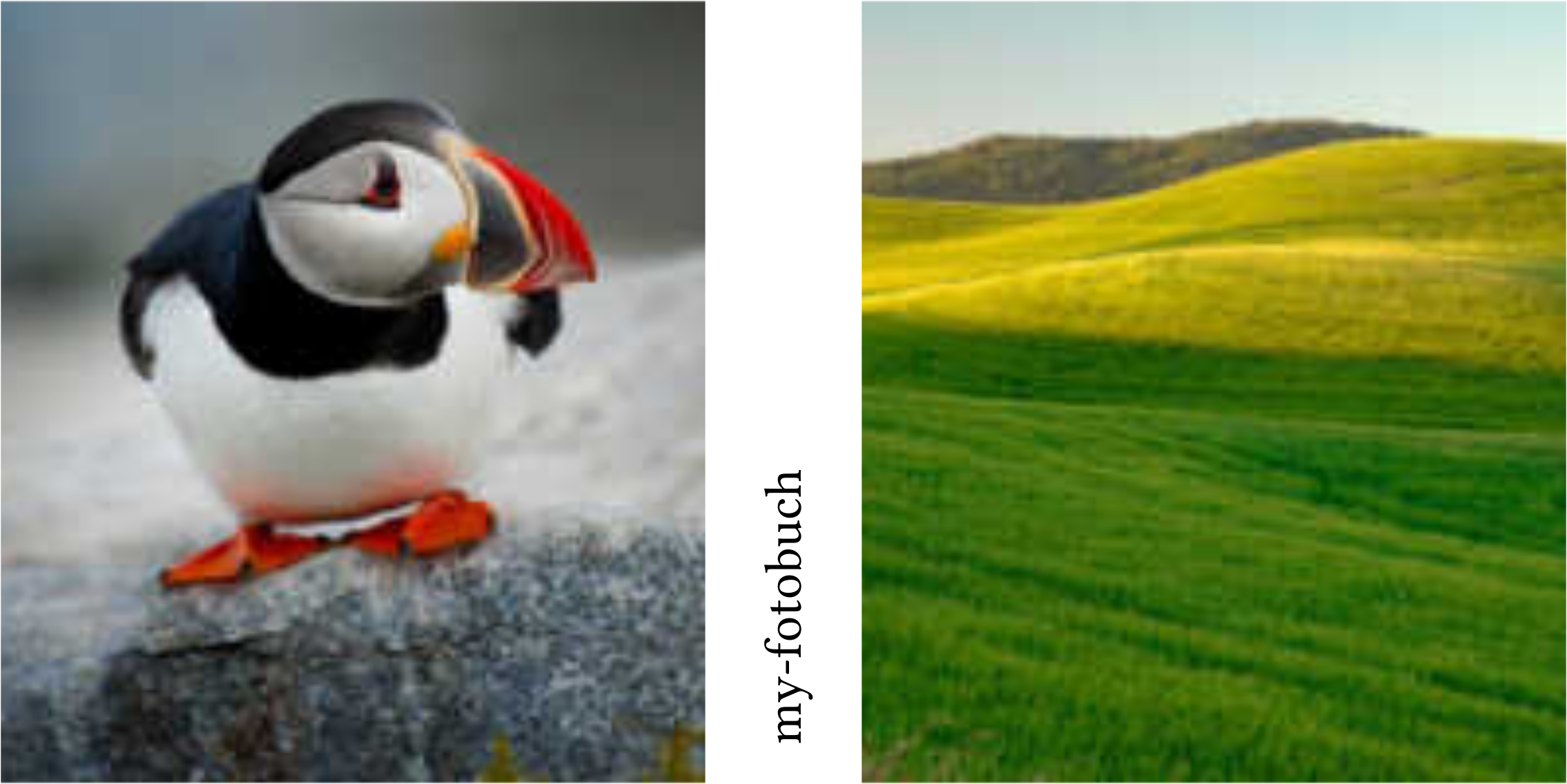
Mode: split
Two photos: slot 0 goes on the front panel, slot 1 on the back panel. Both have their aspect ratios preserved and are centred.
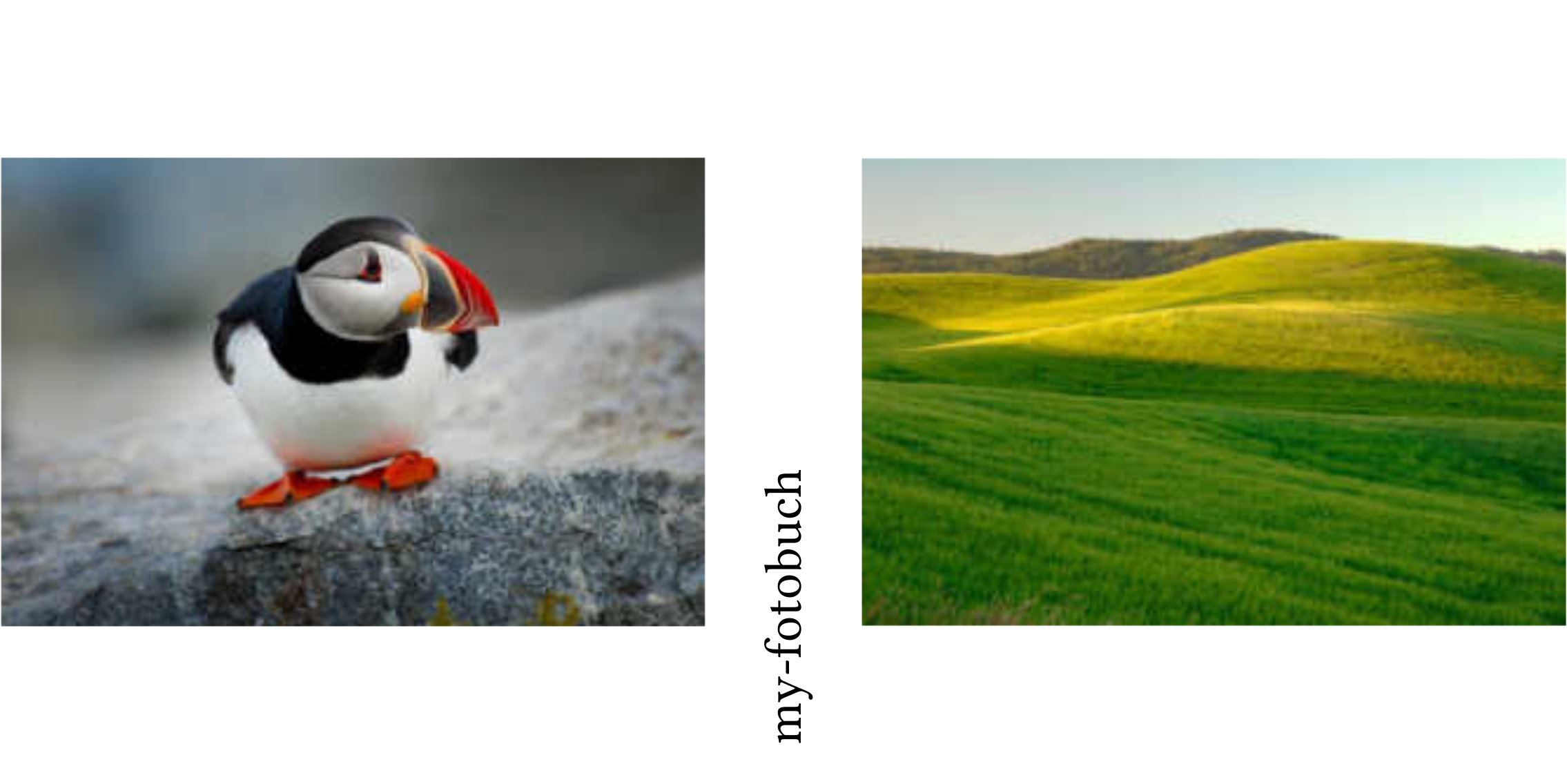
Mode: split-full
Two photos: slot 0 fills the front panel, slot 1 fills the back panel (each may crop independently).
Mode: free
The genetic algorithm solver optimises photo placement freely without constraints. Use any number of photos.